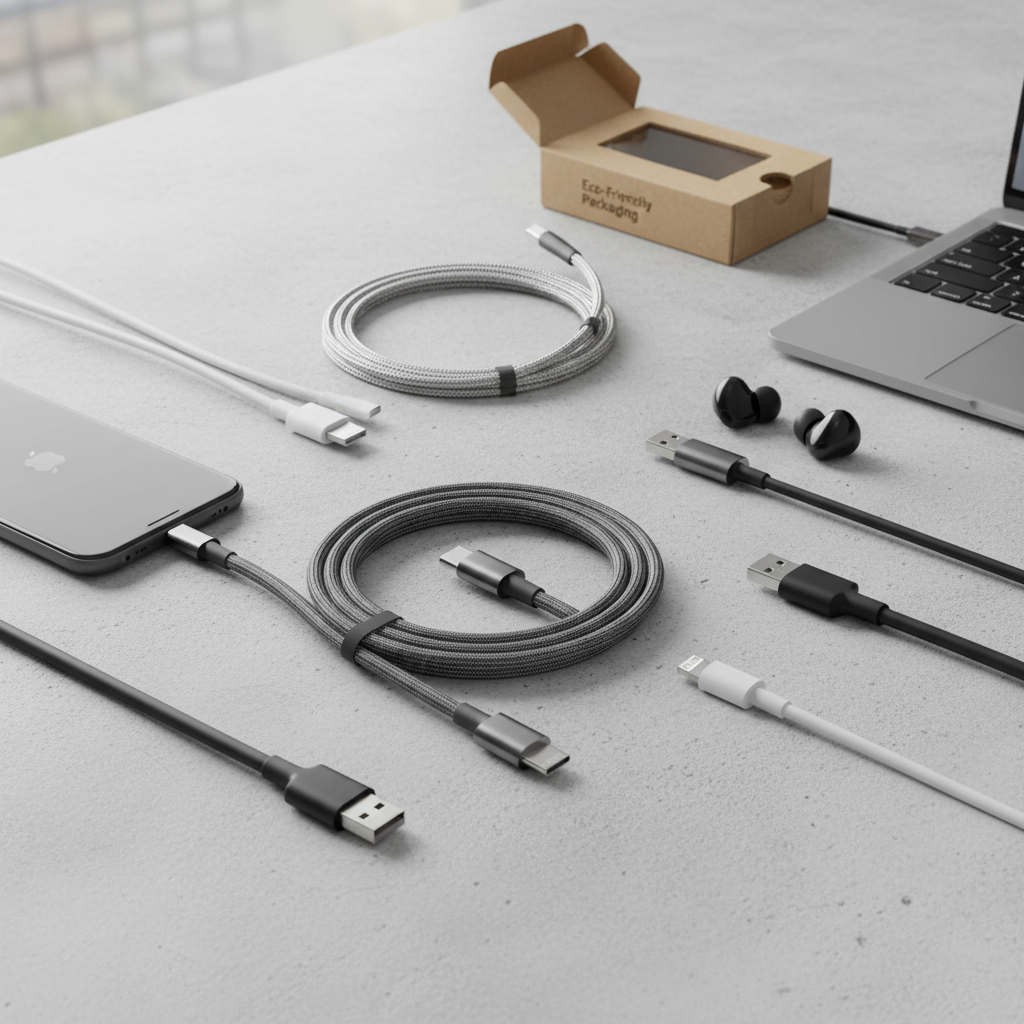
In our fast-paced world, an Android phone is more than just a device; it’s our lifeline to work, friends, and entertainment. Keeping it charged and ready is essential, but with countless options, selecting the right charging cable can feel overwhelming. This guide will simplify the process, equipping you with the knowledge to choose a high-quality, durable, and efficient charging cable that perfectly matches your Android device and lifestyle.
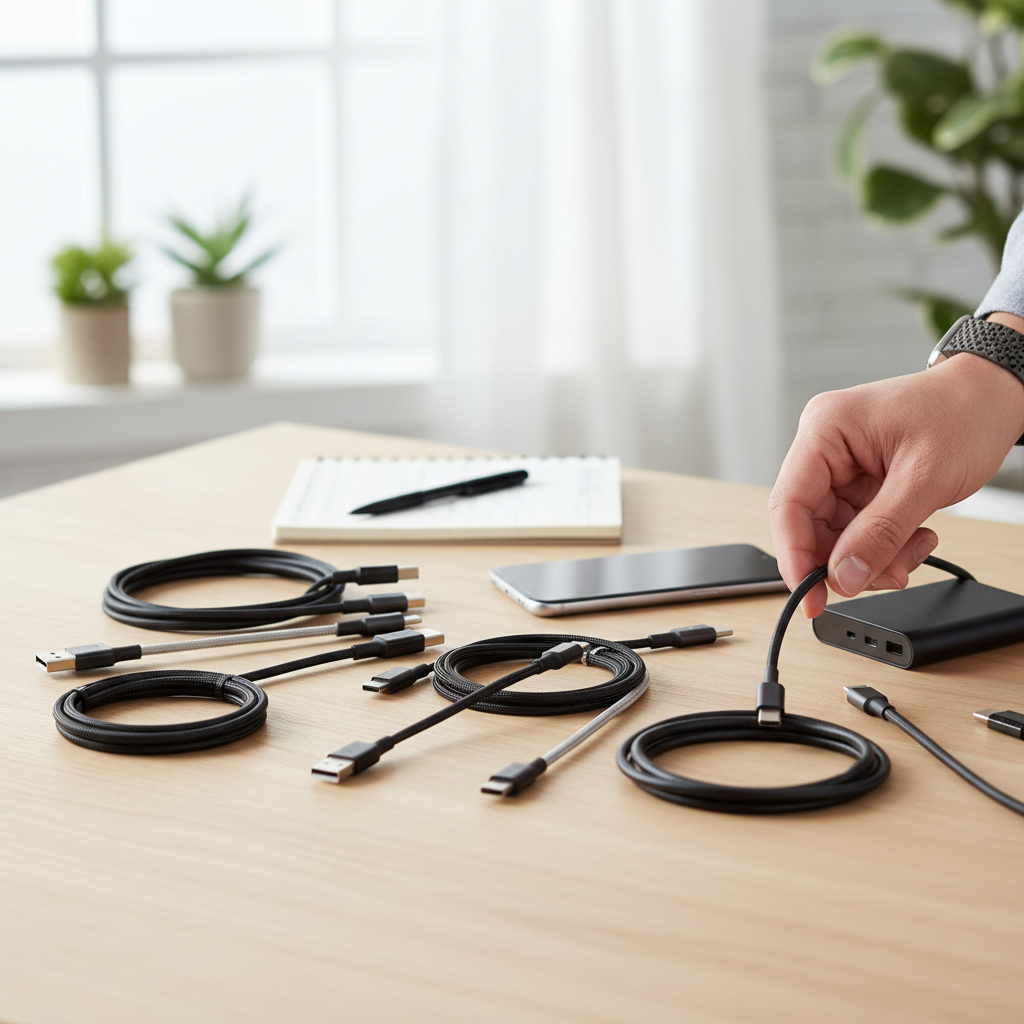
Charging Cable: Overview and Essentials
A charging cable is the crucial link connecting your Android device to power sources and other gadgets. Its primary functions are to deliver power for charging and to facilitate data transfer. This essential accessory relies on the Universal Serial Bus (USB) standard, which has evolved significantly over the years to offer better speed, power delivery, and broader compatibility across various devices.
Modern Android phones predominantly use USB Type-C connectors, which are reversible and support advanced charging and data transfer technologies. Older Android models and many accessories still utilize Micro-USB cables. The opposite end of the cable often features a USB-A connector for traditional chargers and computers, though USB-C to USB-C cables are becoming the standard for optimal fast charging. Understanding these types and their associated USB versions is key to making an informed choice for your device.
Types of Charging Cables
When considering charging cables for Android, you’ll encounter a few main types, each with distinct advantages and uses:
- USB Type-C: This is the modern, universal standard for most new Android phones and tablets. Its key advantages include a reversible design, making it easy to plug in, and support for cutting-edge fast-charging technologies like USB Power Delivery (PD) and Qualcomm Quick Charge, alongside high-speed data transfer.
- Micro-USB: Once the dominant connector for Android devices, Micro-USB is slowly being phased out in favor of USB-C. However, it remains prevalent in many older Android phones, e-readers, and various accessories, offering compatibility for these legacy devices. While compact, it’s generally slower for both charging and data transfer compared to USB-C.
- USB-A to USB-C/Micro-USB: This refers to the traditional rectangular USB-A connector found on most wall chargers, car chargers, and computers. It forms one end of a cable that connects to either a USB-C or Micro-USB port on your Android device. While common, a USB-A connection typically limits charging and data speeds compared to a full USB-C to USB-C setup.
|
Our Picks for the Best Charging cable in 2026
As an Amazon Associate I earn from qualifying purchases.
|
||
| Num | Product | Action |
|---|---|---|
| 1 | AINOPE USB to USB C Cable [2-Pack, 6.6ft] 3.1A Type C Charger Fast Charging, Right Angle USB C Cable for iPhone 17 Carplay Cable, Galaxy S10+ S10 S9, Note 10 9, LG V30, Moto, iPhone 16 15 Charger Cord |
![Check AINOPE USB to USB C Cable [2-Pack, 6.6ft] 3.1A Type C Charger Fast Charging, Right Angle USB C Cable for iPhone 17 Carplay Cable, Galaxy S10+ S10 S9, Note 10 9, LG V30, Moto, iPhone 16 15 Charger Cord on Amazon](https://reviewasc.com/wp-content/plugins/amazon-tables/assets/images/buy.png)
|
| 2 | LISEN USB C to USB C Cable, 5-Pack [3.3/3.3/6.6/6.6/10FT] for iPhone 17 Charger Cord, 60W C to C Cable Fast Charging for iPad, iPhone 16 15 Pro Max, Galaxy S25/S24 USBC to USBC Cable Gifts for Men |
|
| 3 | Anker USB C to USB C Cable, Type-C 60W Fast Charging Cable (6 FT, 2Pack) for iPhone 17 Series, iPad mini 6 and More (Black) |
|
| 4 | INIU USB C to USB C Cable, 240W Fast Charging Type C Charger Cord, Braided USBC Phone Charger Cable for iPhone 17 16 Pro Max Samsung S26 S25 Laptops MacBook Air 15 M3 iPad Switch [6.6ft+6.6ft Black] |
|
| 5 | iPhone Charger 3 Pack 10 ft Apple MFi Certified Lightning Nylon Braided Cable Fast Charging Cord Compatible with iPhone 13 12 11 Pro Max XR XS X 8 7 6 Plus SE iPad and More |
|
| 6 | Teeind USB Type C Cable Fast Charging, Tpc001 5 Pack(6Ft 3A) Braided C Charger Cables Compatible with Samsung S10e/note 9/s10/s9/s8 Plus/A80/A50/A20 |
|
| 7 | Anker Cable [2 Pack 6ft], USB A to USB C Cable for iPhone 17 Series,Samsung Galaxy S10 S10+, LG V30, Beats Fit Pro and More (Black). |
|
| 8 | USB Type-C to A Cable 5pack 6ft Braided Fast Charging 3A Quick Charger Cord, 6 Foot Compatible iPhone 17/17 Pro/16e/16/15 Pro Max,Samsung Galaxy S10 S9 S8 Plus, Note 10 9 8, LG V50 V40 G8 G7(Grey) |
|
| 9 | LISEN USB C to USB C Cable, 240W C to C Cable Fast Charging [6.6FT, 2 Pack] Type C Charger Fast Charging USBC to USBC Cable for iPhone 17 16 15 Pro Max iPad MacBook Neo Air Pro Samsung S26 S25 Ultra |
|
| 10 | Durcord USB C Cable, Upgarded 2Pack 10ft Fast USB Type C Charging Cable for Android/Phone/Pad/Laptop, Type C Charger Braided USB Cable Compatible withi Phone 17/16/15/Pro/Plus/Max/Sam.Sung-Silver |
|
Comparing Cable Types
The evolution of USB technology has led to cables offering varying levels of performance. For instance, USB 2.0 supports basic data transfer at 480 Mbps and standard charging, while USB 3.0 offers faster data at 5 Gbps and increased power delivery. Newer standards like USB 3.1/3.2 can reach 10-20 Gbps, and Thunderbolt technology (often integrated into USB-C) pushes data transfer to an ultra-fast 40 Gbps. Selecting a cable that matches your device’s capabilities ensures you unlock its full potential.
Important Factors When Choosing a Charging Cable
Choosing the right charging cable for your Android phone goes beyond simply finding one that fits. Several critical factors influence a cable’s performance, safety, and longevity. Paying attention to these details ensures you invest in a reliable accessory that maximizes your device’s potential. From the materials that dictate durability to the technologies enabling rapid power delivery, each element plays a significant role in your overall charging experience.
Material and Durability of the Cable
The longevity of a charging cable is heavily dependent on its construction and the materials used. Many cheap cables use basic plastic sheathing that can easily fray or break, especially at the stress points. Investing in a cable with superior build quality is a practical measure for long-term value.
Common materials include PVC (polyvinyl chloride) and TPE (thermoplastic elastomer), which are flexible but less durable. For significantly enhanced durability, look for cables with braided nylon sheathing. This woven exterior offers superior resistance to fraying, abrasion, and tangling from daily coiling and flexing. Furthermore, cables with reinforced stress points where the cable meets the connector head are crucial, as this is the most common point of failure. Some high-quality cables incorporate aramid or nylon fibers in their core for added internal strength, protecting against breakage. Lastly, gold-plated connectors can offer better long-term protection against corrosion, ensuring consistent electrical conductivity.
To extend your cable’s lifespan, avoid excessive bending, especially near the connectors, and store it loosely coiled to prevent strain. Regular cleaning of the connectors can also prevent debris from disrupting the connection.
Compatibility and Charging Speed
The ability of a cable to efficiently deliver power directly impacts how quickly your Android phone charges. Modern Android phones support various fast-charging standards, and your cable must be compatible with both your phone and charger to achieve optimal speeds.
First, identify the connector type your device requires – almost all new Android phones use USB-C, while older models might use Micro-USB. Next, understand the fast-charging protocols your phone supports. The two major players are USB Power Delivery (USB-PD), a universal standard for fast charging over USB-C, and Qualcomm Quick Charge (QC), often found in Android phones with Snapdragon processors. Some brands like Samsung (Super Fast Charging) or OnePlus (Warp Charge) use proprietary protocols that often require specific branded cables and chargers for maximum speed. Ensure your cable explicitly supports the wattage and protocol your phone and charger utilize. For example, a cable rated for 60W or 100W PD can significantly reduce charging times compared to a standard cable.
“Matching your tech for top speed means ensuring your phone, cable, and charger all ‘speak the same language’ through compatible protocols and wattage ratings.”
Cable Length and Design
The length and design of your charging cable significantly impact its practicality and convenience. Choosing the appropriate length ensures usability without compromising performance.
Cable lengths typically range from a short 0.3 meters (1 foot) to longer options of 3 meters (10 feet) or more. Short cables are ideal for portability, such as charging with a power bank or in a car, minimizing clutter. Longer cables offer greater flexibility, allowing you to comfortably use your phone while it’s plugged into a distant outlet, whether on a sofa or in bed. However, excessively long cables can sometimes lead to slightly reduced data transfer speeds due to signal degradation over distance.
Beyond length, design elements contribute to durability and user experience. Features like flat cables can resist tangling, while integrated cable ties or travel cases help keep your cable organized and protected during transport. Some cables might also include LED indicators for charging status or magnetic tips for versatile connectivity. Ultimately, the best length and design depend on your specific usage scenarios.
Comparing Popular Charging Cables for Android
Understanding the landscape of Android charging cables means knowing the specific strengths and weaknesses of each common type. While USB-C has largely become the standard for modern devices, Micro-USB still holds relevance for older gadgets. The following table offers a clear comparison to help you distinguish between them and make an informed decision for your needs.
Detailed Comparison Table
| Feature | USB-A to USB-C | USB-C to USB-C | USB-A to Micro-USB |
|---|---|---|---|
| Common Uses | Older chargers, computers to modern Android phones | Modern fast chargers, laptops to Android phones | Older Android phones, accessories to traditional chargers |
| Reversible Connector | USB-C end: Yes; USB-A end: No | Yes (both ends) | No |
| Max Charging Speed | Up to 18W-27W (often limited by USB-A source) | Up to 240W (with PD 3.1 & compatible devices) | Up to 10W-18W (depends on device/standard) |
| Data Transfer Speed | Up to 10 Gbps (USB 3.1/3.2, depends on cable) | Up to 40 Gbps (Thunderbolt/USB4) | Up to 480 Mbps (USB 2.0) |
| Compatibility | Wide range of chargers (USB-A port) to USB-C devices | Newer devices/chargers with USB-C ports | Older Android devices, many accessories |
| Durability Potential | Good (with braided nylon, reinforced stress points) | Excellent (with braided nylon, reinforced stress points) | Moderate (older standard, less robust designs) |
This table highlights that while USB-A to USB-C cables remain widely compatible with existing chargers, USB-C to USB-C offers superior performance for fast charging and data transfer, aligning with the latest Android phone capabilities. Micro-USB, while slower, is essential for maintaining older devices.
Detailed Charging Cable Buying Guide
Navigating the vast market of charging cables can be daunting, but with a structured approach, you can confidently select the perfect cable for your Android phone. This buying guide walks you through the essential steps, from understanding your specific needs to identifying trusted brands and verifying crucial technical details, ensuring you make a smart investment.
Determine Your Needs
Before you start shopping, clarify your primary requirements for a charging cable:
- Which device are you charging? Is it a brand-new flagship Android phone with USB-C or an older model that still uses Micro-USB? Knowing your phone’s port type is the first and most critical step.
- What charging speed do you need? If fast charging is a priority, you’ll need a cable that supports your phone’s specific protocols like USB Power Delivery (PD) or Qualcomm Quick Charge (QC), along with an appropriate wattage rating. For basic charging, a standard cable might suffice.
- How will you use the cable? Do you need a short, portable cable for travel or a longer one for bedside use? Consider where you typically charge and how much reach you need. If you frequently transfer large files, prioritize cables with higher data transfer speeds (e.g., USB 3.1/3.2 or Thunderbolt).
Research Reputable Brands
Choosing a cable from a well-known and trusted brand generally guarantees better quality, reliable performance, and adherence to safety standards. Reputable manufacturers invest in research, durable materials, and rigorous testing.
Some of the most respected brands in the charging accessory market include:
- Anker: Known for producing high-quality charging accessories with a strong focus on reliability and safety. They offer a wide range of certified options for fast, stable charging across various lengths and types.
- Belkin: A veteran in the accessories market, recognized for its premium products and commitment to meeting strict quality standards, including Android-compatible gear.
- Aukey: Often provides a good balance of performance and affordability, with a range of fast-charging cables.
- Ugreen: Another brand offering quality fast-charging cables, often praised for its durable designs.
- Samsung (OEM): For premium Android devices, using manufacturer-approved accessories ensures perfect compatibility, delivering the correct voltage and current without risking damage to the battery or internal components.
Always look for brands with consistently positive user reviews and clear product specifications.
Check Specifications and Safety Certifications
Once you’ve narrowed down your choices, delve into the technical specifications and look for safety certifications. This ensures the cable is compatible, performs optimally, and is safe for your device.
- Confirm the wattage rating: Ensure the cable is rated to handle at least your phone’s maximum charging wattage. For example, if your phone supports 45W fast charging, your cable should be rated for 45W or higher. Using a low-wattage cable with a high-power charger can create a bottleneck.
- Verify fast-charging protocol support: Double-check that the cable explicitly supports your device’s fast-charging protocol (USB-PD, QC, or proprietary technologies like Super Fast Charging).
- Look for safety certifications: Important certifications include USB-IF (USB Implementers Forum), which ensures the cable meets strict safety and performance specifications. Other general safety marks like CE, FCC, RoHS, UL, or PSE also indicate that the product has been tested and meets certain safety standards, protecting your Android phone from risks like over-voltage or short-circuiting.
“A certified cable contains an official chip that ensures stable power delivery and compatibility, protecting your device from inconsistent charging that can damage internal components.”
Top Charging Cables for Android Phones
When it comes to powering your Android device, certain cables consistently rise above the rest due to their reliability, charging speed, and exceptional durability. While specific models can vary, brands that prioritize quality engineering are always a safe bet. Whether you’re a heavy user who needs maximum resilience or someone who prioritizes the fastest possible charge, there are standout options designed to meet diverse demands.
For users seeking robust construction, cables featuring braided nylon jackets and reinforced stress points are highly recommended. These designs significantly prolong cable life, with some tested to withstand thousands of bends. Many top-tier USB-C cables, for instance, support USB Power Delivery (PD) for rapid charging and USB 3.1/3.2 for high-speed data transfer.
Brands like Anker, Belkin, and Ugreen frequently appear in recommendations for their consistent performance and strong build quality. For instance, Anker’s PowerLine series is celebrated for its durability and fast-charging capabilities, often offering USB-IF certified options. Ugreen also provides well-regarded USB-C cables that balance speed and construction. When selecting a cable, consider your phone’s maximum charging wattage and compatible fast-charging protocols (e.g., PD, Quick Charge) to ensure you get the most out of your purchase. Investing in a high-quality cable from a reputable brand not only provides a better charging experience but also protects your valuable Android device from potential damage caused by subpar alternatives.
Conclusion
Choosing the right charging cable for your Android phone is a critical decision that impacts not only convenience but also the safety and longevity of your device. By understanding the different USB types like USB-C and Micro-USB, prioritizing fast-charging compatibility with protocols such as USB Power Delivery and Quick Charge, and selecting cables made from durable materials like braided nylon with reinforced connectors, you can make an informed choice. Remember to match the cable’s wattage rating to your phone’s capabilities and look for reputable brands with safety certifications.
Investing in a high-quality Android charging cable means enjoying faster, more reliable charging and data transfer, ultimately enhancing your overall mobile experience. Don’t settle for cheap, uncertified options that can lead to frustration and potential damage to your expensive devices. What features are most important to you when choosing your next charging cable?
Frequently Asked Questions
Why is my new “fast charge” cable still charging my phone slowly?
This often happens due to a mismatch in charging protocols or wattage. For fast charging to work, your phone, the wall charger, and the cable must all support the same fast-charging protocol (like USB Power Delivery or Quick Charge) and be rated for compatible wattages. If any component is a bottleneck, the system will default to the slowest safe charging speed.
Is it safe to use a fast charging cable with an older phone that doesn’t support fast charging?
Yes, it is generally safe. Modern smartphones have intelligent battery management systems that communicate with the charger and cable to draw only the power they are designed to handle. Your older phone simply won’t utilize the faster speeds, but it won’t be damaged by a higher-rated cable or charger.
What’s more important for fast charging: the cable or the wall charger?
Both are crucial for fast charging. Think of the wall charger as the power source and the cable as the conduit. A great cable can’t deliver power that the charger isn’t providing, and a powerful charger needs a capable cable to transmit that power efficiently. For optimal performance, you need to pair a high-quality, high-wattage cable with an equally powerful and compatible wall charger.
Will fast charging damage my phone’s battery over time?
This is a common misconception. Modern smartphones and certified fast-charging systems are designed with sophisticated battery management to prevent damage. They charge rapidly when the battery is low and automatically reduce power as it approaches full to protect long-term battery health. Using certified, well-made charging gear ensures these safety systems function as intended.
Do I really need a braided, durable cable if I’m just charging at home?
Even with careful home use, cables experience stress from daily plugging, unplugging, and bending. A durable, braided cable with reinforced connectors is built to withstand this regular wear and tear much better than a flimsy plastic cable. It ensures long-term reliability and safety, saving you the hassle and cost of frequent replacements.