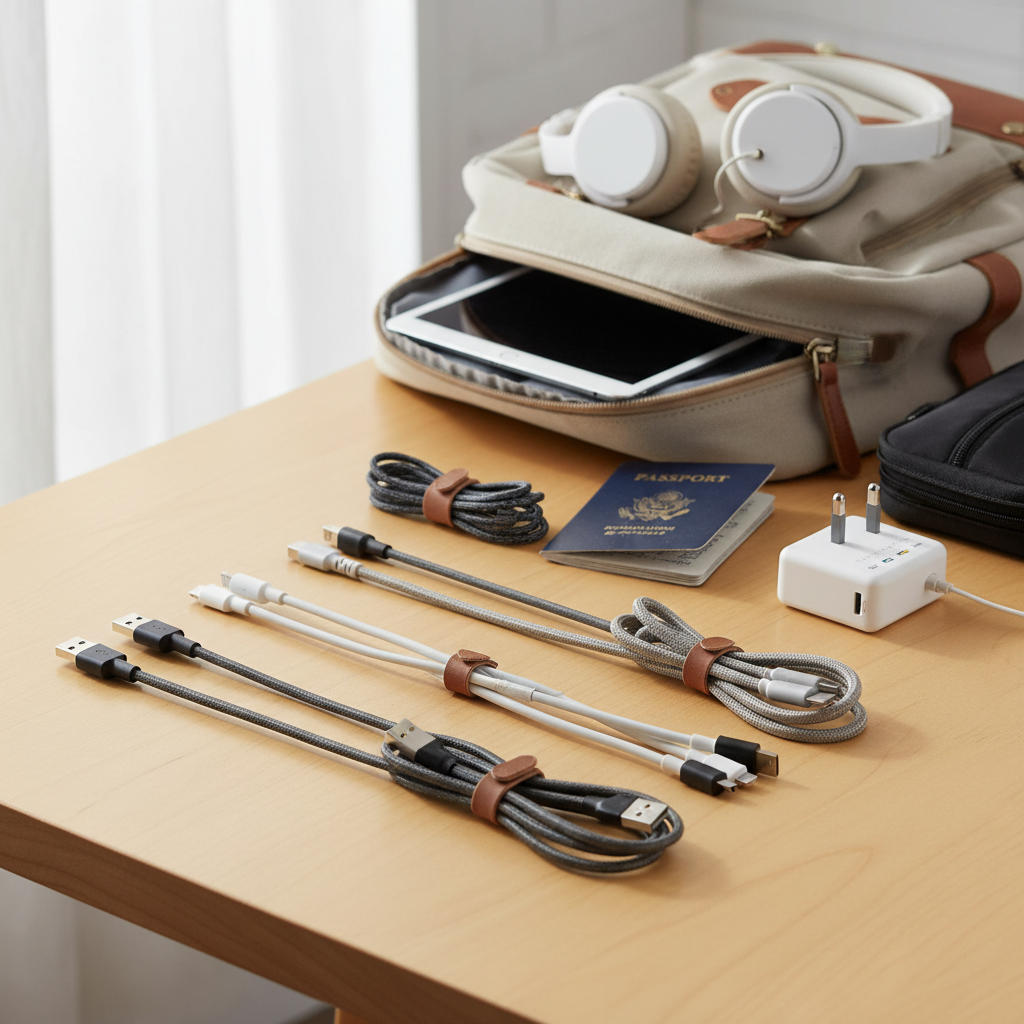
In today’s connected world, a charging cable isn’t just an accessory; it’s a lifeline, especially when juggling the diverse devices of an entire family. From smartphones and tablets to laptops and earbuds, ensuring every gadget stays powered can feel like a constant battle. This comprehensive guide will navigate you through the intricate landscape of charging cables, helping you find durable, versatile, and efficient solutions that meet the needs of every family member. Let’s unplug the confusion and discover the best charging cables designed for shared use and long-lasting performance.
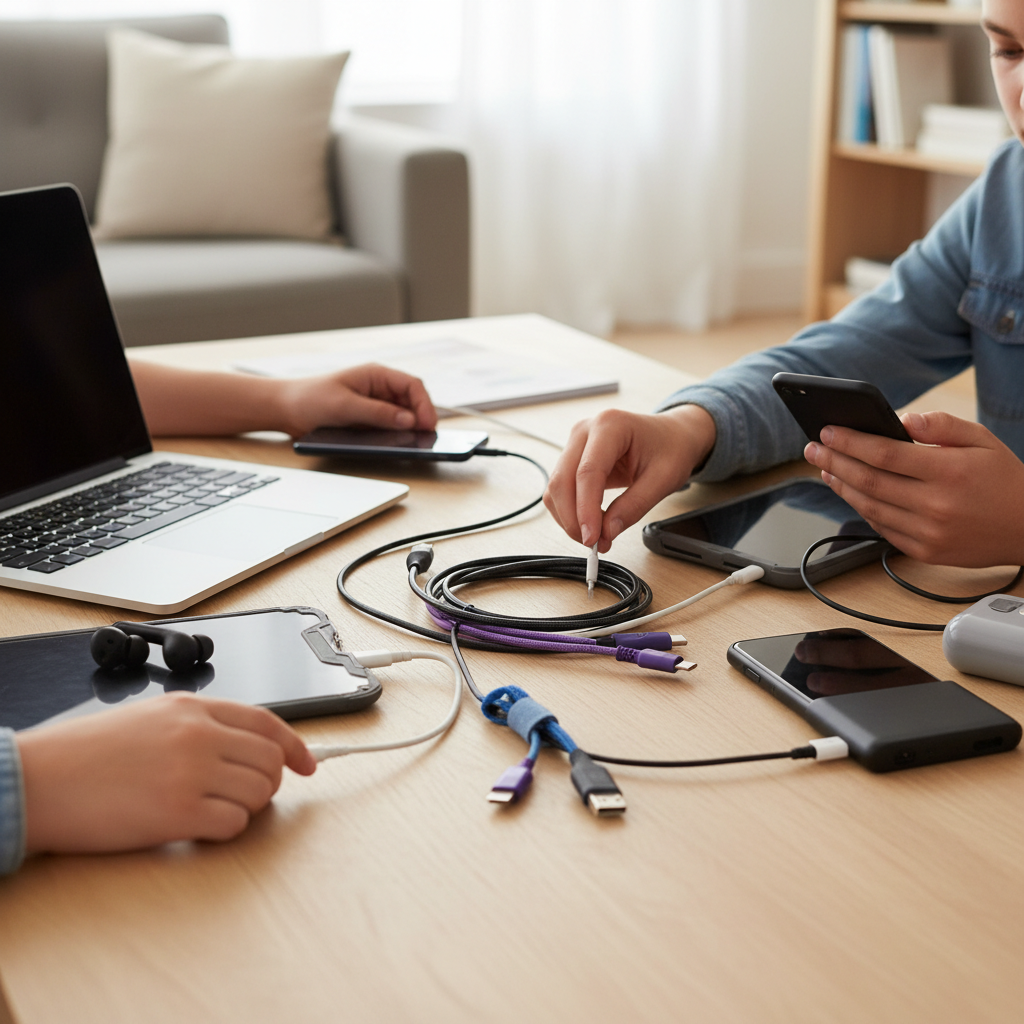
Charging Cables: Overview and Essentials
A charging cable is fundamental to our digital lives, facilitating both power delivery and data transfer. Understanding the primary types available is the first step toward smart selection. Modern charging solutions predominantly feature USB-C, a versatile standard, alongside the proprietary Lightning for older Apple devices, and the increasingly phased-out Micro USB.
Initially, USB-A served as the standard rectangular connector found on older chargers and computers. While still common on one end of many cables, it’s often paired with a more modern connector on the device end. USB-C has emerged as the universal standard, offering reversible connectivity, faster charging speeds, and higher data transfer capabilities. It’s now the port of choice for most new smartphones, tablets, laptops, and even recent iPhones (iPhone 15 and newer). Apple’s Lightning connector remains essential for older iPhone and iPad models, known for its compact, reversible design. Finally, Micro USB is a legacy standard, primarily used for older Android phones, e-readers, and various accessories, generally offering slower charging and data speeds.
Each type has distinct advantages and limitations. USB-C cables typically offer superior charging wattage and data throughput, making them ideal for power-hungry devices and quick file transfers. Lightning cables provide reliable performance for compatible Apple products, though they are limited by Apple’s ecosystem. Micro USB cables are budget-friendly and suitable for older devices, but their slower speeds and less robust physical design can be a drawback for active family use. For families with a mix of gadgets, multi-adapter cables, combining several connector types into one, can simplify charging and reduce clutter.
Key Factors When Choosing a Charging Cable
Selecting the right charging cable for your family involves more than just picking one that fits. Several critical factors influence a cable’s performance, durability, and suitability for diverse household needs.
Material and Durability for Longevity
The material and construction of a charging cable significantly impact its lifespan, a crucial consideration for items that see frequent use across a family. Cables are commonly made from PVC (Polyvinyl Chloride), TPE (Thermoplastic Elastomer), braided nylon, or silicone. Each offers different levels of flexibility and resistance to wear and tear.
- PVC and TPE cables are generally more affordable and flexible, but they can be prone to fraying and cracking over time, especially at the stress points near the connectors.
- Braided nylon cables are a popular choice for durability. The woven nylon exterior provides an extra layer of protection against kinks, tears, and pet chewing, making them considerably more robust than their plastic counterparts. Brands like Anker and JSaux often use braided designs in their durable offerings.
- Silicone cables are increasingly favored for their exceptional flexibility, soft touch, and tangle-free properties. They resist kinking and typically have good tensile strength, making them comfortable to use and easy to store. However, lighter silicone cables may show dirt and discoloration more readily.
|
Our Picks for the Best Charging cable in 2026
As an Amazon Associate I earn from qualifying purchases.
|
||
| Num | Product | Action |
|---|---|---|
| 1 | Anker USB C to USB C Cable, Type-C 60W Fast Charging Cable (6 FT, 2Pack) for iPhone 17 Series, iPad mini 6 and More (Black) |

|
| 2 | USB Type-C to A Cable 5pack 6ft Braided Fast Charging 3A Quick Charger Cord, 6 Foot Compatible iPhone 17/17 Pro/16e/16/15 Pro Max,Samsung Galaxy S10 S9 S8 Plus, Note 10 9 8, LG V50 V40 G8 G7(Grey) |
|
| 3 | LISEN USB C to USB C Cable, 5-Pack [3.3/3.3/6.6/6.6/10FT] for iPhone 17 Charger Cord, 60W C to C Cable Fast Charging for iPad, iPhone 16 15 Pro Max, Galaxy S25/S24 USBC to USBC Cable Gifts for Men |
|
| 4 | LISEN USB C to USB C Cable, 240W C to C Cable Fast Charging [6.6FT, 2 Pack] Type C Charger Fast Charging USBC to USBC Cable for iPhone 17 16 15 Pro Max iPad MacBook Neo Air Pro Samsung S26 S25 Ultra |
|
| 5 | Teeind USB Type C Cable Fast Charging, Tpc001 5 Pack(6Ft 3A) Braided C Charger Cables Compatible with Samsung S10e/note 9/s10/s9/s8 Plus/A80/A50/A20 |
|
| 6 | iPhone Charger 3 Pack 10 ft Apple MFi Certified Lightning Nylon Braided Cable Fast Charging Cord Compatible with iPhone 13 12 11 Pro Max XR XS X 8 7 6 Plus SE iPad and More |
|
| 7 | Anker Cable [2 Pack 6ft], USB A to USB C Cable for iPhone 17 Series,Samsung Galaxy S10 S10+, LG V30, Beats Fit Pro and More (Black). |
|
| 8 | AINOPE USB to USB C Cable [2-Pack, 6.6ft] 3.1A Type C Charger Fast Charging, Right Angle USB C Cable for iPhone 17 Carplay Cable, Galaxy S10+ S10 S9, Note 10 9, LG V30, Moto, iPhone 16 15 Charger Cord |
|
| 9 | INIU USB C to USB C Cable, 240W Fast Charging Type C Charger Cord, Braided USBC Phone Charger Cable for iPhone 17 16 Pro Max Samsung S26 S25 Laptops MacBook Air 15 M3 iPad Switch [6.6ft+6.6ft Black] |
|
| 10 | Durcord USB C Cable, Upgarded 2Pack 10ft Fast USB Type C Charging Cable for Android/Phone/Pad/Laptop, Type C Charger Braided USB Cable Compatible withi Phone 17/16/15/Pro/Plus/Max/Sam.Sung-Silver |
|
Beyond the cable jacket, reinforced connector housings and robust strain relief—the flexible sleeve where the cable meets the connector—are vital. These features protect the most vulnerable parts of a cable from bending damage. To maximize a cable’s lifespan, avoid sharp bends, unplug by gripping the connector (not the cable itself), and store cables neatly to prevent tangles and undue stress.
Compatibility and Charging Speed Demystified
Understanding your devices’ needs is paramount for efficient charging. First, identify the specific port types on your family’s devices: is it USB-C for a new Android phone or MacBook, Lightning for an older iPhone, or Micro USB for an e-reader? A cable must physically fit the device.
Next, consider charging speed, measured in watts (W). Modern devices, especially smartphones and laptops, support fast charging technologies that can significantly reduce charging times. The most prevalent fast charging standards include Quick Charge (QC), mainly for Android devices, and Power Delivery (PD), a universal standard typically associated with USB-C. PD 3.0 supports up to 100W, while PD 3.1 can deliver up to 240W, catering to the most power-hungry laptops.
- For iPhones, generally, a cable and charger capable of at least 20W (and up to 30W for newer models) will enable fast charging.
- iPads often benefit from 30W cables.
- Laptops require higher wattages, with MacBook Air models typically needing 45W, and MacBook Pro models demanding 100W or even 140W for the largest variants.
To check if a cable supports fast charging, look for its wattage rating (e.g., 60W, 100W) and compatibility with PD or QC standards. Remember, the entire charging setup (cable, charger, and device) must support fast charging for you to experience its benefits. Using a higher-wattage cable with a lower-wattage device is safe, as devices only draw the power they require.
Length, Design, and Practicality
The length and design of a charging cable greatly influence its practicality in a busy family environment. Cables typically range from very short (0.5 ft) to extra-long (10 ft or more), and the ideal length depends on the specific use case.
- Short cables are excellent for portability, pairing with power banks, or maintaining a tidy desk setup where the device is close to the power source.
- Standard lengths (3 ft to 6 ft) offer a good balance for everyday use, reaching most wall outlets comfortably.
- Longer cables (6 ft to 10 ft+) are invaluable for charging devices far from outlets, such as on a couch or bed, providing flexibility for family members to use their devices while charging.
Beyond length, design elements can enhance usability. Braided and silicone cables, as discussed, improve durability and reduce tangles. Some cables feature retractable mechanisms for ultra-compact storage and tangle-free transport, perfect for travel bags or car use. Color options can also be surprisingly practical, allowing family members to distinguish their cables easily or match them to their devices, preventing arguments over “borrowed” cords. Features like integrated cable ties or magnetic wraps further aid in organization.
Comparing Popular Charging Cable Types
Choosing the right cable means understanding the strengths and weaknesses of each common type. This comparison table highlights key aspects to consider for your family’s diverse charging needs.
Detailed Comparison Table
| Feature | USB-A Cable | USB-C Cable | Lightning Cable | Micro USB Cable |
|---|---|---|---|---|
| Pros | Widely compatible with older chargers, affordable | Reversible, fast charging (PD), high data transfer | Reversible, Apple ecosystem integration | Very affordable, common on older devices |
| Cons | Non-reversible, slower charging (max ~15W) | Generally higher cost for full features | Proprietary, only for Apple devices, typically slower data transfer than USB-C | Non-reversible, fragile, slow charging & data |
| Typical Wattage | Up to 15-18W | 60W, 100W, up to 240W (PD 3.1) | Up to 30W (for fast-charging iPhones) | Up to 10W |
| Data Transfer | USB 2.0 (480 Mbps) or USB 3.0 (5 Gbps) | USB 2.0 (480 Mbps) to Thunderbolt 5 (120 Gbps) | USB 2.0 (480 Mbps) or USB 3.0 (10 Gbps for Pro models) | USB 2.0 (480 Mbps) |
| Durability | Varies greatly by material; many are basic | Often robust with braiding or silicone | Can be prone to fraying, but newer Apple are woven | Most prone to damage, especially connector tip |
| Compatibility | Older chargers, power banks | Modern smartphones, tablets, laptops, new iPhones | Older iPhones, iPads, AirPods, specific Apple accessories | Older Android, e-readers, various accessories |
| Ideal Family Use | For legacy devices, basic power in older cars | Primary standard for future-proofing and speed | For existing Apple ecosystem, backup | Minimal, for very old devices or accessories |
Comprehensive Buying Guide for Family Charging Cables
Navigating the market for charging cables can be overwhelming with countless options available. This buying guide simplifies the process, focusing on practical steps to ensure you choose the best cables for your family.
Assess Your Family’s Charging Needs
The first step in any successful purchase is to understand what you truly need. Gather all the devices your family uses and identify their charging port types (USB-C, Lightning, Micro USB). Note the specific fast charging requirements for each. Does someone have a new MacBook Pro needing 100W+ charging, while another uses an older iPhone that only requires 20W?
Consider where each device is typically charged. Is it a bedside table, a living room couch, a shared desk, or in the car? This will help determine the necessary cable lengths. You might need a mix: short cables for power banks, standard lengths for nightstands, and extra-long cables for distant outlets. For families with a wide array of devices, a multi-device cable with interchangeable heads (like USB-C, Lightning, and Micro USB) can be a game-changer for reducing cable clutter and ensuring universal compatibility on the go.
Reputable Brands to Trust
Investing in cables from reputable brands is crucial for both performance and safety. Well-known manufacturers often adhere to higher manufacturing standards, rigorous testing, and incorporate better quality materials, which translates to superior durability and consistent charging performance. Brands frequently lauded for their charging cables include:
- Anker: Known for its extensive range of durable and high-performance cables, including robust braided and flexible silicone options. Their Powerline series is particularly well-regarded.
- Belkin: Offers a variety of quality cables, often with strong build quality and support for various charging standards.
- JSaux: Provides excellent value with durable, fast-charging USB-C cables, often available in multi-packs.
- Cable Matters: A solid choice for high-speed data and charging cables, including Thunderbolt options.
- Ugreen: Offers reliable and innovative charging solutions, including retractable cables.
- Apple: While often pricier, their official (and newer woven) cables offer guaranteed compatibility and performance for Apple devices.
Choosing a trusted brand minimizes the risk of purchasing inferior cables that could damage devices, charge slowly, or pose safety hazards like overheating.
Verify Specifications and Safety Certifications
Before making a purchase, always scrutinize the cable’s specifications and look for safety certifications.
Check the listed wattage (e.g., 60W, 100W) to ensure it meets your devices’ fast charging needs. If data transfer is important, verify the USB standard (e.g., USB 2.0, USB 3.1, Thunderbolt 4) and its associated speed (e.g., 480 Mbps, 10 Gbps, 40 Gbps). Remember that many charging-focused cables, even USB-C, might still only support USB 2.0 data speeds.
For safety, look for certifications such as CE, FCC, and RoHS, which indicate that the product meets certain health, safety, and environmental protection standards. While specific mention of these was not extensively covered in all browsed results, they are industry benchmarks. Ensure the cable’s physical construction appears robust, paying attention to the quality of the connectors and strain relief points. A little research into user reviews regarding durability and consistent performance can also provide valuable insights.
Top Charging Cables for Family Use
For a family constantly on the go with a variety of devices, investing in a few key charging cable types can simplify life and ensure everyone stays powered.
For ultimate versatility, the Rolling Square inCharge® XL is a standout. This multi-charging cable boasts six different connection combinations, including USB-C, Lightning, and Micro USB adapters, all supporting fast charging up to 100W. Its durable nylon braiding and reinforced joints make it resilient for daily family chaos, while a silicone cap protects unused connectors. Similarly, the Anker Powerline II 3-in-1 cable provides a single solution for USB-C, Lightning, and Micro USB devices, making it a perfect travel companion or a central charging hub for diverse gadgets.
When it comes to durable and reliable USB-C to USB-C options, the Anker Powerline III USB-C cable is highly recommended. Its flexible silicone finish is tangle-free and can withstand significant bending, perfect for kids and adults alike. It supports up to 100W fast charging, making it suitable for both phones and most laptops. For a budget-friendly alternative with strong durability and 100W charging, the JSaux USB-C to USB-C 2-Pack offers excellent value, especially if you need longer cables for use around the house.
For Apple users who have upgraded to newer devices, the Anker 310 USB-C to USB-C Cable provides reliable 60W power delivery in a robust braided design, available in various colors to help differentiate them amongst family members. If super-fast charging for high-powered laptops like the 16-inch MacBook Pro is a priority, then cables supporting 240W Power Delivery, like some Cable Matters Thunderbolt 4 options or the Apple USB-C Charge Cable (240W variant), offer the necessary wattage and durability, though they may be thicker.
“A great charging cable for a family isn’t just about speed; it’s about robust construction and adaptable connectors that can serve a myriad of devices without compromise.” – Admin, Reviewasc.com, Charging Cable Specialist
Conclusion
Choosing the best charging cables for your entire family involves a thoughtful assessment of device compatibility, required charging speeds, and a strong emphasis on durability and practicality. By understanding the different cable types, materials, and power standards, you can confidently select cables that withstand daily wear and tear while efficiently powering every gadget in your household. Prioritizing reputable brands and verifying specifications will ensure not only optimal performance but also peace of mind regarding safety. Investing in versatile, high-quality charging cables is an investment in seamless connectivity and reduced family tech headaches.
What charging challenges does your family face most often, and how might a versatile, durable charging cable help solve them?
Frequently Asked Questions
Which charging cable type is best for families with mixed devices?
For families with a mix of devices, multi-adapter cables like the Rolling Square inCharge XL or Anker Powerline II 3-in-1, which combine USB-C, Lightning, and Micro USB connectors, offer the most versatility and reduce cable clutter, making them ideal for shared use and travel.
How important is cable durability for family use?
Cable durability is extremely important for family use due to frequent handling, bending, and potential rough treatment by children. Braided nylon or flexible silicone cables with reinforced strain relief are recommended as they resist fraying, kinking, and general wear much better than standard PVC cables, ensuring a longer lifespan.
Can one charging cable safely fast-charge different devices like an iPhone and a MacBook?
Yes, a single USB-C Power Delivery (PD) cable rated for high wattage (e.g., 100W or 240W) can safely fast-charge both an iPhone (which draws ~20-30W) and a MacBook (which requires 45W-140W). Devices only draw the power they need, so a higher-wattage cable will not harm lower-power devices.
What cable length is most practical for family use?
The most practical cable length often depends on the scenario. A mix of lengths is usually best: short cables (under 1 ft) for power banks or tidy desk charging, standard lengths (3-6 ft) for general use, and longer cables (6-10 ft) for charging devices far from outlets, such as on a couch or bed.
Do I need a special cable for data transfer, or will any charging cable work?
Most charging cables are designed primarily for power delivery and typically support slower data transfer speeds (USB 2.0 at 480 Mbps). If you need fast data transfer for syncing large files, connecting to external hard drives, or driving a monitor, look for cables explicitly rated for higher speeds like USB 3.0 (5 Gbps), USB 3.1 (10 Gbps), or Thunderbolt (40-120 Gbps).
How can I easily identify whose charging cable is whose in a family?
To easily identify charging cables in a family, consider purchasing cables in different colors or using color-coded cable ties. Some brands offer a wide array of color options, which can help each family member distinguish their personal charging accessories, reducing confusion and disputes over “borrowed” cables.
Are cheap, generic charging cables safe for family use?
While tempting due to lower cost, cheap, generic charging cables may not adhere to safety standards or use quality components, potentially leading to slow charging, device damage, or even safety risks like overheating and fire. It is safer to invest in cables from reputable brands that prioritize quality and safety certifications.