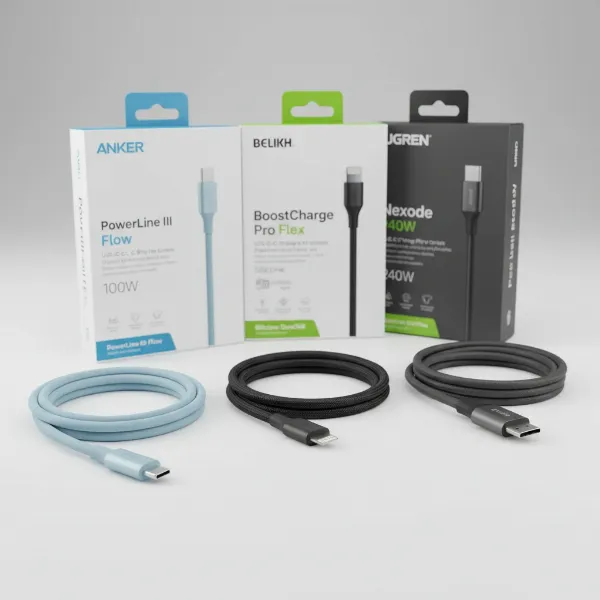
In our hyper-connected world, keeping devices charged is a constant necessity. From smartphones and tablets to smartwatches and laptops, a reliable power source is crucial. But with an array of options available—from standalone charging cables to versatile wall chargers and innovative USB wall outlets—choosing the right setup can feel overwhelming. This comprehensive guide will illuminate the differences, benefits, and considerations for each, helping you make informed decisions to power your gadgets efficiently and safely.
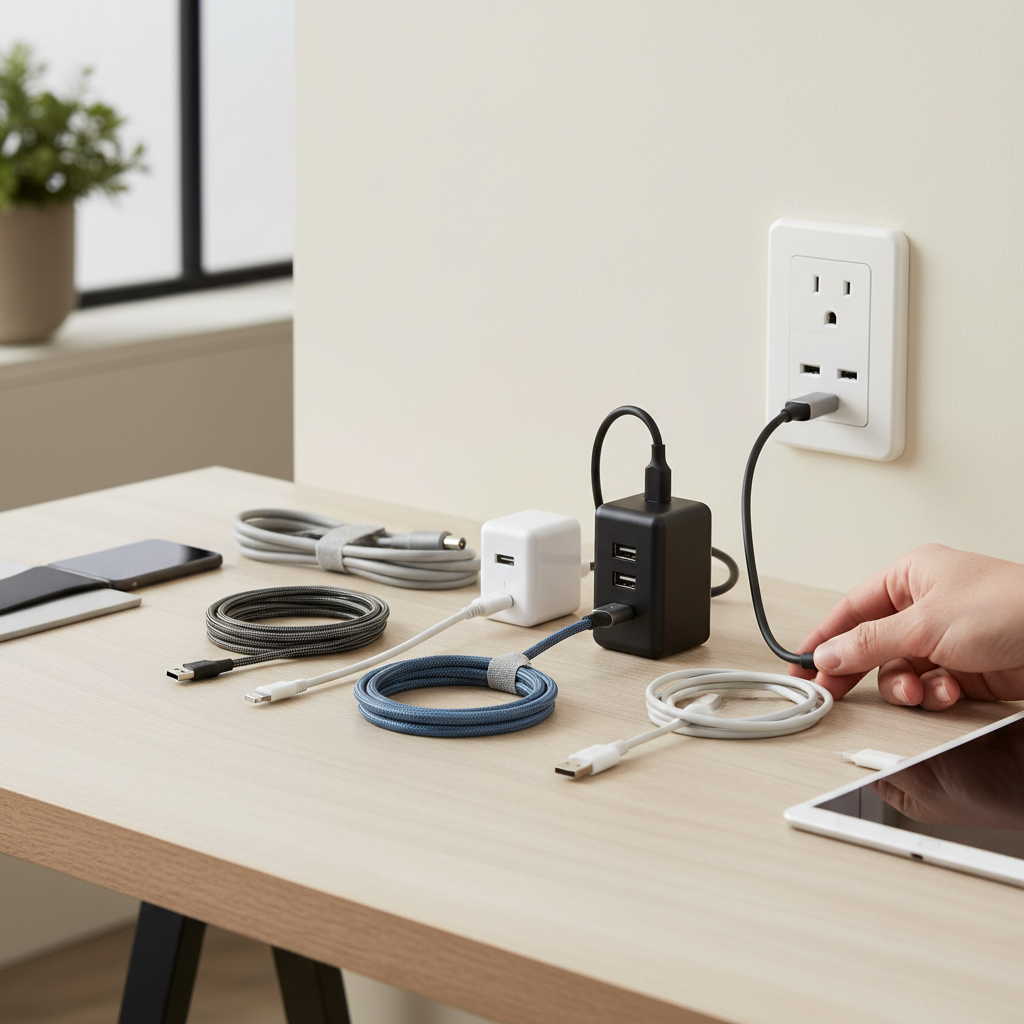
Charging Cable: Overview and Essentials
At its core, a charging cable is the conduit that transfers power from a source to your device, making it an indispensable part of your charging ecosystem. While seemingly simple, the type and quality of your cable significantly impact charging speed and safety.
Modern devices primarily use a few key charging cable types:
- USB-A: The traditional rectangular connector, widely recognized and compatible with older chargers and devices. It typically supports slower charging speeds compared to newer standards.
- USB-C: A reversible, oval-shaped connector that has become the industry standard for many newer smartphones, tablets, and laptops. USB-C supports higher power delivery and faster data transfer speeds.
- Lightning: Apple’s proprietary connector for iPhones (up to iPhone 14) and some iPads. While effective, its exclusive compatibility limits its versatility outside the Apple ecosystem.
- Micro USB: A smaller, trapezoidal connector common in older Android phones, e-readers, and various accessories. It is gradually being phased out in favor of USB-C.
Understanding these types ensures you select a cable that physically fits your device’s port. However, physical compatibility is just the first step; a cable’s internal construction and rated capacity also play a vital role in its performance.
Key Factors When Choosing Your Charging Setup
Selecting the optimal charging solution goes beyond merely plugging in. Several critical factors influence efficiency, durability, and overall user experience.
Material and Cable Durability
The longevity of your charging cable largely depends on its construction materials. Common options include:
- PVC (Polyvinyl Chloride): Affordable and flexible, but less durable against bending and fraying over time.
- TPE (Thermoplastic Elastomer): Offers better flexibility and a softer feel than PVC, with improved resistance to wear and tear.
- Nylon Braided: Often considered the most durable, these cables feature a woven nylon exterior that provides excellent resistance to kinks, fraying, and general daily abuse. This material also tends to prevent tangling.
|
Our Picks for the Best Charging cable in 2026
As an Amazon Associate I earn from qualifying purchases.
|
||
| Num | Product | Action |
|---|---|---|
| 1 | INIU USB C to USB C Cable, 240W Fast Charging Type C Charger Cord, Braided USBC Phone Charger Cable for iPhone 17 16 Pro Max Samsung S26 S25 Laptops MacBook Air 15 M3 iPad Switch [6.6ft+6.6ft Black] |
![Check INIU USB C to USB C Cable, 240W Fast Charging Type C Charger Cord, Braided USBC Phone Charger Cable for iPhone 17 16 Pro Max Samsung S26 S25 Laptops MacBook Air 15 M3 iPad Switch [6.6ft+6.6ft Black] on Amazon](https://reviewasc.com/wp-content/plugins/amazon-tables/assets/images/buy.png)
|
| 2 | AINOPE USB to USB C Cable [2-Pack, 6.6ft] 3.1A Type C Charger Fast Charging, Right Angle USB C Cable for iPhone 17 Carplay Cable, Galaxy S10+ S10 S9, Note 10 9, LG V30, Moto, iPhone 16 15 Charger Cord |
|
| 3 | Anker USB C to USB C Cable, Type-C 60W Fast Charging Cable (6 FT, 2Pack) for iPhone 17 Series, iPad mini 6 and More (Black) |
|
| 4 | LISEN USB C to USB C Cable, 240W C to C Cable Fast Charging [6.6FT, 2 Pack] Type C Charger Fast Charging USBC to USBC Cable for iPhone 17 16 15 Pro Max iPad MacBook Neo Air Pro Samsung S26 S25 Ultra |
|
| 5 | Durcord USB C Cable, Upgarded 2Pack 10ft Fast USB Type C Charging Cable for Android/Phone/Pad/Laptop, Type C Charger Braided USB Cable Compatible withi Phone 17/16/15/Pro/Plus/Max/Sam.Sung-Silver |
|
| 6 | USB Type-C to A Cable 5pack 6ft Braided Fast Charging 3A Quick Charger Cord, 6 Foot Compatible iPhone 17/17 Pro/16e/16/15 Pro Max,Samsung Galaxy S10 S9 S8 Plus, Note 10 9 8, LG V50 V40 G8 G7(Grey) |
|
| 7 | Anker Cable [2 Pack 6ft], USB A to USB C Cable for iPhone 17 Series,Samsung Galaxy S10 S10+, LG V30, Beats Fit Pro and More (Black). |
|
| 8 | iPhone Charger 3 Pack 10 ft Apple MFi Certified Lightning Nylon Braided Cable Fast Charging Cord Compatible with iPhone 13 12 11 Pro Max XR XS X 8 7 6 Plus SE iPad and More |
|
| 9 | LISEN USB C to USB C Cable, 5-Pack [3.3/3.3/6.6/6.6/10FT] for iPhone 17 Charger Cord, 60W C to C Cable Fast Charging for iPad, iPhone 16 15 Pro Max, Galaxy S25/S24 USBC to USBC Cable Gifts for Men |
|
| 10 | Teeind USB Type C Cable Fast Charging, Tpc001 5 Pack(6Ft 3A) Braided C Charger Cables Compatible with Samsung S10e/note 9/s10/s9/s8 Plus/A80/A50/A20 |
|
To extend your cable’s lifespan, avoid sharp bends at the connectors, unplug by gripping the connector head rather than pulling the cord, and store cables neatly to prevent knots and stress.
Compatibility and Charging Speed
The charging speed your device achieves is a symphony between the cable, the power source (wall charger or USB outlet), and the device itself.
- Device Port Type: This determines the necessary cable connector (e.g., USB-C to USB-C, USB-A to Lightning).
- Wattage: Measured in watts (W), this indicates the power output capacity of a charger. Higher wattage allows for faster charging, provided your device and cable can support it. For instance, a smartphone might fast charge at 18W to 30W, while laptops require 45W to 100W or more.
- Fast Charging Standards: Technologies like USB Power Delivery (PD) and Qualcomm Quick Charge (QC) enable devices to charge significantly faster than standard methods. For fast charging to work, all components—the device, the cable, and the wall charger—must support the same or compatible fast charging protocols. A high-quality cable with adequate wire gauge is essential to transmit higher currents without performance loss.
Length and Design
While often overlooked, the length and design of your charging solution contribute to convenience and usability.
- Cable Length: Choose a length that suits your typical use. A shorter cable (e.g., 1 foot) is ideal for portable power banks, while a longer cable (e.g., 6-10 feet) offers flexibility for bedside or desk use, reducing strain on the cable and device.
- Design Features: Some cables come with built-in LED indicators, magnetic ends for tidiness, or reinforced connectors to prevent common breakage points. Multi-port wall chargers and USB wall outlets can streamline your charging setup, reducing clutter from multiple individual adapters.
Comparing Popular Charging Components on the Market
To make an informed decision, let’s examine the distinct characteristics of standalone charging cables, dedicated USB wall chargers, and integrated USB wall outlets.
Detailed Comparison Table
| Criteria | Charging Cable (Component) | USB Wall Charger (Adapter) | USB Wall Outlet (Integrated) |
|---|---|---|---|
| Primary Function | Transmit power & data | Convert AC to DC, provide USB power | AC outlets + built-in USB charging ports |
| Price Range | Low to Medium | Medium to High | High (includes installation) |
| Versatility | Dependent on connector type and device | High; often multi-port, supports various cables | High for USB devices, frees up AC plugs |
| Charging Speed | Limited by internal gauge; must match charger | Determines max speed (wattage, protocols) | Can offer fast charging; smart chips |
| Portability | Excellent | Good (size varies) | None (fixed installation) |
| Installation | Plug-and-play | Plug-and-play | Professional electrician required |
| Safety Features | Quality reduces risks (short circuit, heat) | Overcurrent, overcharge, temp regulation | Reduces clutter/overload risk, permanent installation |
| Clutter Reduction | Minimal for single device | Moderate (can reduce multiple adapters) | High (integrated into wall) |
Comprehensive Buying Guide
Navigating the market for charging solutions requires a thoughtful approach tailored to your specific needs.
Identify Your Usage Needs
Before purchasing, consider how and where you typically charge your devices:
- Device Compatibility: What type of port do your main devices use (USB-C, Lightning, Micro USB)?
- Speed Requirement: Do you need rapid charging for a quick power boost, or is overnight charging sufficient?
- Usage Scenario: Are you primarily charging at home, frequently traveling, or need a solution for multiple devices simultaneously? A multi-port wall charger or USB wall outlet is excellent for consolidating charging stations at home, while a compact single-port charger and durable cable are ideal for travel.
Research Reputable Brands
Investing in quality from trusted manufacturers like Anker, Aukey, and Belkin is crucial for safety and performance. These brands are known for adhering to international safety standards and often incorporate advanced charging technologies. Always prioritize products with certifications such as CE, FCC, RoHS, or UL, indicating they meet stringent safety and environmental regulations.
Check Technical Specifications and Safety Certifications
Examine the charger’s specifications for wattage (W), amperage (A), and voltage (V) to ensure it aligns with your device’s requirements. Overpowering a device is rare with modern smart chargers, but an underpowered charger will simply charge slowly.
“A common misconception is that any cable will work the same. In reality, the quality of a charging cable—its internal wiring and connectors—is just as important as the wall charger it’s paired with for optimal charging speed and device longevity.” – Admin, Reviewasc.com, Senior Technician in Charging Cables
Look for features like overcurrent protection, overvoltage protection, and temperature control within wall chargers to safeguard your devices against electrical fluctuations and overheating. For integrated USB wall outlets, ensure they are installed by a qualified electrician and meet local electrical codes to guarantee safety.
Top-Rated Charging Solutions Today
The market is rich with excellent charging solutions, catering to various needs and budgets. For those seeking efficiency and versatility at home, a high-wattage USB-C Power Delivery (PD) wall charger with multiple ports (including both USB-A and USB-C) is an outstanding choice. These chargers can fast charge a laptop, tablet, and smartphone simultaneously, often using Gallium Nitride (GaN) technology for smaller, more efficient designs.
When it comes to cables, robust nylon-braided USB-C to USB-C cables, or certified Lightning cables, are favored for their durability and reliable performance. They are designed to withstand daily bending and pulling, offering a longer lifespan than standard PVC alternatives.
For ultimate convenience and a clutter-free environment, especially in high-traffic areas like kitchens or living rooms, installing USB wall outlets is a smart upgrade. These integrated units not only free up traditional AC outlets but also offer dedicated, often faster, USB charging points without the need for bulky adapters. Modern versions include USB-C PD ports, making them future-proof for newer devices.
Choosing the right charging cable, wall charger, or USB wall outlet depends heavily on your devices, charging habits, and priorities. By understanding the specifications, prioritizing durability and safety, and matching solutions to your needs, you can create a charging setup that keeps all your electronics powered efficiently and reliably.
Frequently Asked Questions
Can I use any charging cable with any wall charger?
While most USB cables will physically fit and charge a device, optimal charging speed and safety depend on compatibility. For fast charging, both the cable and wall charger must support the same fast charging protocols (e.g., USB Power Delivery) and the cable must be rated for the appropriate wattage.
Are USB wall outlets more energy-efficient than traditional chargers?
USB wall outlets can be more energy-efficient as they eliminate standby power consumption when not in use and often feature smart chips to optimize power delivery. This can lead to faster charging and less wasted energy compared to some older, less efficient adapters.
How do I know if my charger supports fast charging?
Check the charger’s specifications for terms like “Power Delivery (PD),” “Quick Charge (QC),” or specific wattage ratings (e.g., 20W, 45W, 65W). Your device’s manual or manufacturer’s website will also indicate its supported fast charging standards.
Is it safe to leave a charger plugged into the wall when not in use?
While modern chargers are designed with safety features to prevent issues, leaving a charger plugged in can still draw a small amount of “vampire power.” For safety and energy conservation, it’s generally recommended to unplug chargers when not in use.
What is the lifespan of a typical charging cable or wall charger?
The lifespan varies significantly with quality and usage. High-quality braided cables can last several years, while cheaper PVC cables might fray within months. Quality wall chargers often last many years, but excessive heat or physical damage can shorten their lifespan.